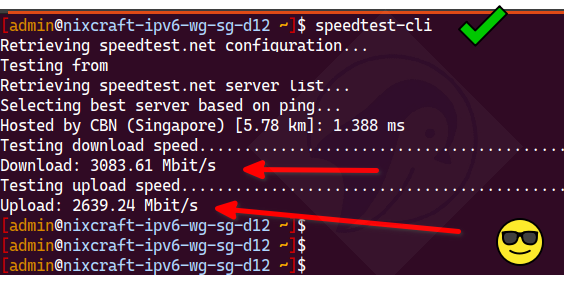
Forget opening your browser. You can check your internet speed from the comfort of your terminal! It’s easy: just type the command `speedtest-cli`. This tool is a CLI that uses the trusted Speedtest servers to instantly check your Internet bandwidth. It works on Linux, macOS, BSD, and other Unix-like systems. It will also work on Windows as this tool itself is coded in Python. You'll need to install the this tool using your system’s package manager (like APT, DNF, APK, Homebrew, etc.)