
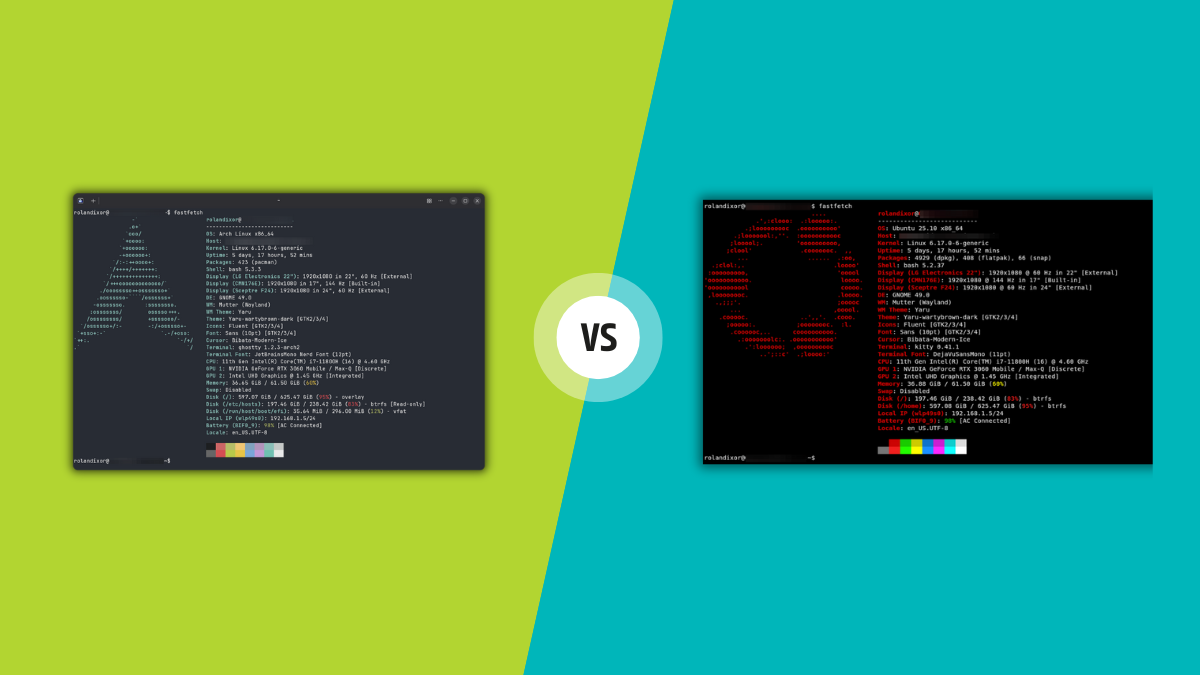
Is the Ghostty hype real, or should you just stick with Kitty? 👻🐱
Search results
Why users cannot create Issues directly
Link: https://github.com/ghostty-org/ghostty/issues/3558
Discussion: https://news.ycombinator.com/item?id=46460319
Ghostty now has a keybinding system powerful enough to enable a "vim mode." This is built by composing multiple Ghostty features together, meaning you can create any modes you want (emacs, tmux, whatever). We'll keep adding more bindings to make these even more powerful! The config: https://gist.github.com/mitchellh/1c5be5c083a2315f22f1cb8f239e9dcd

 @mitchellhMitchell Hashimoto Unfortunately you appear to be a friend of neo-nazi #dhh and you are by your own admission 'vibe coding' parts of it which means it should be avoided for reasons of trust and community safety.

그런데 아직까지 iTerm2로 안 돌아가고 그럭저럭 쓰고 있네 #Ghostty
#Ghostty shell-integration-features = cursor,title,ssh-env,ssh-terminfo,path
ssh-env, ssh-terminfo 없으면 고통
안 되면 급한대로 ssh -t user@host 'TERM=xterm-256color bash'
#Ghostty 사용 이틀째.
딱히 불편함은 없고 빠릿빠릿해서 좋다. iTerm2에 있던 그 많은 설정은 거의 필요 없었다는걸 새삼 느꼈다. Ghostty에서 설정을 열면(cmd+,) config 파일 고치라고 편집기가 뜬다 🤣
새 창이나 탭을 띄울 때 현재 위치에서 띄우지 못 하는데, 셀 통합이 불안정해서란다. iTerm2용 통합 스크립트를 다 막아도 "invalid OSC command: 1337;ShellIntegrationVersion=14;shell=zsh"가 찍히는 중. 공식 설명서 따라서 수동으로 읽었는데 되다 말다 그럼.

Nice to see the default quick terminal size in #Ghostty is finally configurable https://ghostty.org/docs/install/release-notes/1-2-0#quick-terminal-size
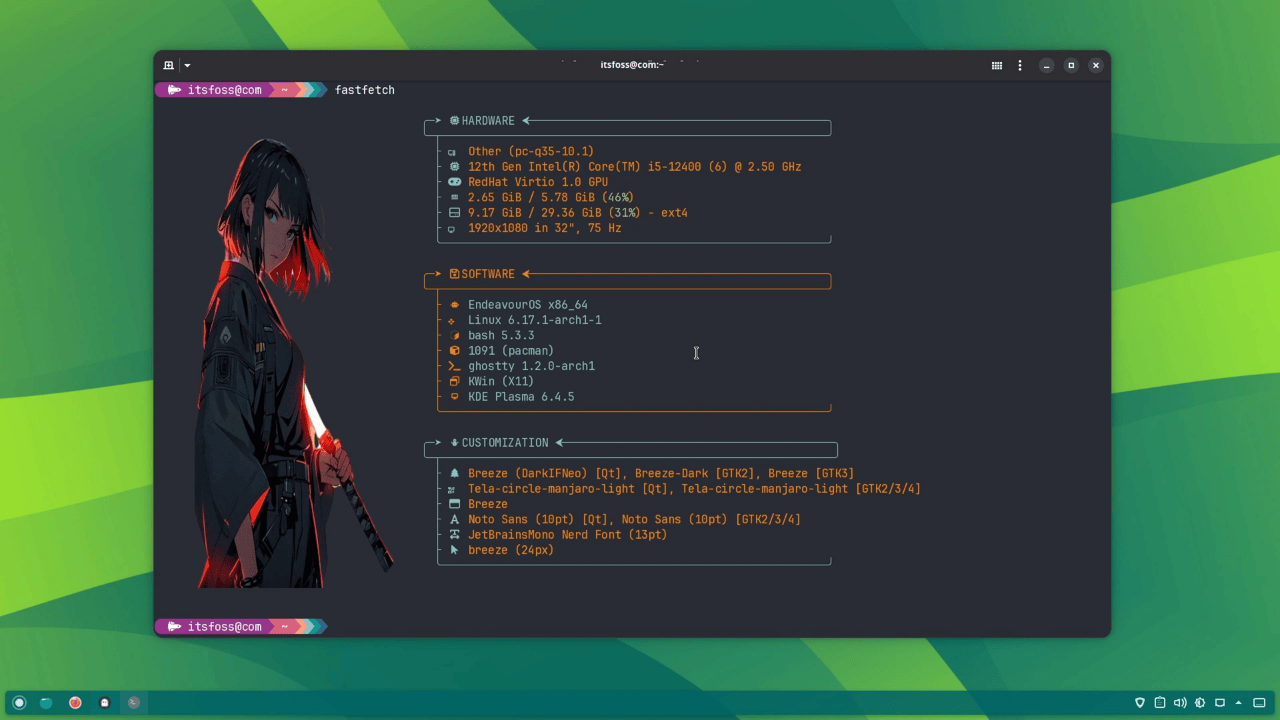
These five features made me fall in love with Ghostty! 👻🥰


The Ghostty terminal has undergone a GTK rewrite, embracing the GObject type system. The result: new features for Linux, better memory management, and improved stability. Version 1.2 with the changes drops in a few weeks, so keep your lights on! 👻
https://www.omgubuntu.co.uk/2025/08/ghostty-terminal-gtk-rewrite-linux



A web UI that allows for easy configuration of #Ghostty. How useful!